What Is Recruitment Technology? A Practical Guide for Small Teams
Recruitment technology explained for small teams: what the tools do, why they matter, the mistakes to avoid and how to choose and run a hiring stack well.
Recruitment technology is the software that helps you find, screen, interview and hire people. It covers applicant tracking systems, sourcing tools, scheduling, assessments and AI agents. This guide is for founders and small hiring teams. It explains what the tools do, why they matter, how they work, which mistakes to avoid and how to choose.
Last checked: November 17, 2026.
The short version
- Recruitment technology is a stack, not one product. Most teams need an ATS first, then add sourcing, outreach and screening.
- AI use is now common, but value is uneven. Adoption is broad and often shallow.
- Automate the repetitive steps (sourcing, scheduling, first-touch outreach). Keep people on judgment calls and offers.
- Start with one bottleneck, measure it, then add a tool.
Disclosure: Keystone AI is our product. We mention it once, where it fits, and the rest of this guide is tool-neutral.
What is recruitment technology?
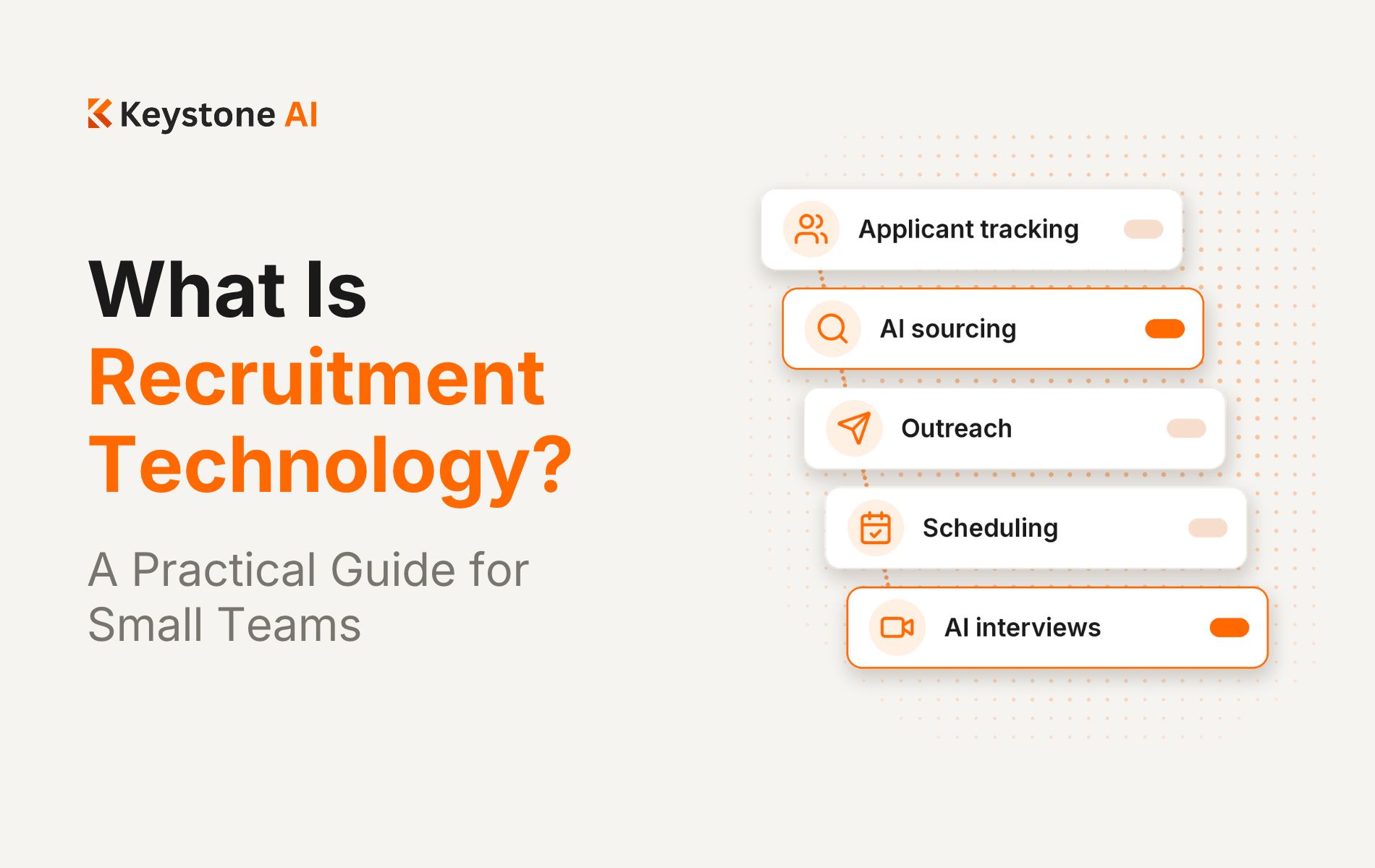
Recruitment technology (also called recruiting or hiring tech) is any software that supports a step in the hiring process. Most stacks combine four components:
- Applicant tracking system (ATS). The system of record. It holds jobs, candidates, stages and notes.
- Sourcing and search tools. They find people who have not applied, from databases and professional networks.
- Engagement and automation. Outreach sequences, scheduling, reminders and status updates.
- Assessment and interviewing tools. Structured screens, skills tests and video or AI-led interviews.
A small example: a 20-person company posts a role through its ATS. A sourcing tool builds a shortlist. An outreach sequence emails the shortlist. A scheduling tool books the interviews. The hiring manager makes the decision.
The related term “talent acquisition software” usually means the same stack at larger scale. For a deeper look, see our guide to talent acquisition software.
Why does recruitment technology matter?
Hiring teams are under pressure, and most are turning to AI to cope. LinkedIn research reported by HR Dive in January 2026 found that 93% of talent acquisition professionals planned to grow their AI use in 2026, and 66% said finding quality talent has gotten harder. Source: HR Dive, January 8, 2026.
The same HR Dive article reports that 42% of respondents are being asked to fill roles faster. Speed matters because slow processes lose candidates. Manual work is the usual cause: copying data, chasing replies and booking calendars.
Results are tied to adoption in agency data. Bullhorn’s 2026 GRID Industry Trends Report surveyed nearly 2,300 recruitment professionals. It found that 46% said AI cut screening time in half or more, and that only 10% of firms have used agentic AI across their full workflow. Source: Bullhorn press release, February 25, 2026.
Bullhorn sells recruiting software, so treat the figures as directional.
The cost of getting it wrong is real too. In an October 2025 Gartner survey, 88% of HR leaders said their organizations had not realized significant business value from AI tools. Source: Gartner. Buying tools without a clear goal is a common reason.
For the wider picture, see why the old recruiting playbook is broken.
How does recruitment technology work?
Think of it as five stages. Each stage can be run by a person, by software or by both.
1. Define the role
You write a job description and a scorecard: must-have skills, nice-to-haves and the questions you will ask. Some tools draft these from a short brief. Review every draft yourself.
2. Source candidates
Sourcing tools search large candidate databases against your criteria and rank matches. AI sourcing lets you describe the role in plain language instead of building Boolean strings. See our overview of AI sourcing tools.
3. Engage and screen
Outreach sequences contact the shortlist. Replies flow into the ATS. Screening can be a short form, a skills test or a structured AI interview.
4. Interview and decide
Scheduling tools remove the email back-and-forth. Interview kits keep questions consistent. People make the hiring decision.
5. Offer and onboard
The ATS tracks the offer, approvals and handover to payroll or an employer of record. This stage is where data quality shows: if earlier steps were logged properly, reporting is easy.
What are the common mistakes?
Buying mistakes
- Starting with the tool, not the bottleneck. If the problem is too few applicants, a screening tool will not help.
- Buying a suite you will not use. Small teams rarely need every module. Pay for what you will run in the next quarter.
- Ignoring integrations. A sourcing tool that does not sync with your ATS creates double entry. The point of the stack is fewer manual steps.
- Trusting vendor claims. Ask for a trial and test it on a live role.
Process mistakes
- Automating a broken process. Fix unclear scorecards first. Software only makes a weak process faster.
- Removing humans from decisions. Use AI to prepare and rank. Keep people responsible for selection, and check your local rules on automated decision-making and bias audits.
- Not measuring. Track time to hire, reply rates and stage drop-off before and after any change.
- Sending impersonal outreach at volume. Personalization is the reason sequences work. Generic blasts damage your employer brand.
How do you do recruitment technology well?
Follow these rules.
- Pick one bottleneck. Is it sourcing, response time, scheduling or screening? Name it with a number, such as “average 21 days to first interview”.
- Write the scorecard before you buy. The tool should serve it.
- Start with your system of record. An ATS gives you clean data. Our guide to hiring software for small business
- covers options at that size.
- Add automation to repeatable steps. Scheduling, reminders and first-touch outreach are safe starting points.
- Keep a human in the loop. Review AI shortlists and read the reasons behind rankings.
- Run a two-week trial on one live role. Compare against your baseline.
- Review quarterly. Cancel what nobody uses.
A worked example: a 30-person firm hires four engineers a year. It already has an ATS. Its bottleneck is finding passive candidates. It trials one AI sourcing tool on one role, tracks reply rates for two weeks, and keeps the tool only if shortlist quality beats its manual search.
What are the main recruitment technology tools and options?
This list covers tool types, not a ranking.
- Applicant tracking system: tracks jobs, candidates and stages. Best for every team that hires more than occasionally. Watch out for unused modules and weak reporting.
- AI sourcing tool: finds and ranks candidates from large databases. Best for roles with few applicants. Match quality varies, so test it.
- Outreach automation: sends personalized sequences and follow-ups. Best for passive candidate outreach. Generic messages hurt response.
- Scheduling tool: books interviews automatically. Best for high interview volume. Watch out for calendar integration gaps.
- Assessment or AI interview tool: screens skills in a structured way. Best for high-volume or technical roles. Watch out for fairness and candidate experience.
- Human-plus-AI service: software plus recruiters who complete the hire. Best for teams without in-house recruiters. Compare the cost model with in-house hiring.
Keystone AI is our product, and it sits in the last two types. AI agents find, shortlist and interview candidates, and then you choose how to finish: a Keystone AI consultant closes the hire, or your own team completes it in-house. Plans are listed on our pricing page. It is not an ATS replacement for every team, so check fit against your stack.
How should you measure whether recruitment technology is working?
Pick three numbers before you start and review them monthly. Without a baseline, every tool looks useful.
- Time to first interview. It shows whether sourcing and scheduling are fast enough.
- Reply rate on outreach. It shows whether your messages and targeting work.
- Stage drop-off. It shows where candidates leave, which points to the step to fix next.
Add quality of hire later, such as manager ratings at 90 days. It takes longer to collect, but it is the number that tells you whether faster hiring also means better hiring. Record the baseline in a spreadsheet or in your ATS reports, then change one thing at a time so you know which tool caused which shift.
Cost belongs on the list too. Divide what you pay for the stack by the number of hires it supported. If that figure rises while time to hire stays flat, you are paying for features you do not use. For more on how AI changes the demand for hiring itself, see why serious AI adoption often creates more hiring first.
What should you check before you buy?
Use this short checklist in every vendor call. Write the answers down so you can compare tools fairly.
- Integrations. Does it connect to your ATS, calendar and email without custom work?
- Data ownership. Can you export your candidate data, and what happens to it if you leave?
- Candidate privacy. Where does the vendor get candidate data, and how does it handle opt-outs and deletion requests?
- Explainability. Can the tool show why it ranked a candidate where it did?
- Support and onboarding. Who helps in the first month, and is that included in the price?
- Contract terms. Check the renewal date, the notice period and any seat minimums. Ask for the price in writing.
If a vendor will not answer one of these, treat that as information. Small teams have less leverage than large ones, so a clear trial period matters more.
Next steps
- Name your bottleneck. Measure it this week: time to first interview, reply rate or drop-off by stage.
- Shortlist two or three tools for that one step and trial them on a live role.
- Set a review date 90 days out and cancel anything unused.
Frequently Asked Questions
It is software that helps you hire. Tools range from an applicant tracking system that stores candidate records to AI agents that find, rank and contact candidates. Most companies use several tools together, and a person still makes the final hiring decision.
An ATS is one part of recruitment technology. It tracks jobs, applicants and stages. Recruitment technology is the wider category and also includes sourcing, outreach, scheduling, assessments and analytics. Many ATS products now bundle some of those features, so check what is included before buying extra tools.
Not all of it. If you hire a few times a year, a simple ATS or even a spreadsheet may be enough. Add tools when a specific step, such as sourcing or scheduling, costs you noticeable time or candidates. Our hiring software guide covers the options.
It means using software to handle repeatable hiring tasks without manual effort. Common examples are interview scheduling, candidate status emails, reminder messages and first-touch outreach sequences. Good automation saves recruiter time for conversations and judgment. It should never replace the human decision on who gets hired.
It can be, with controls. Use AI to prepare and rank, keep people responsible for decisions, and test outputs for bias. Rules differ by country and region, so check local requirements on automated decision-making before you deploy. Ask each vendor how it audits its models and what data it keeps.
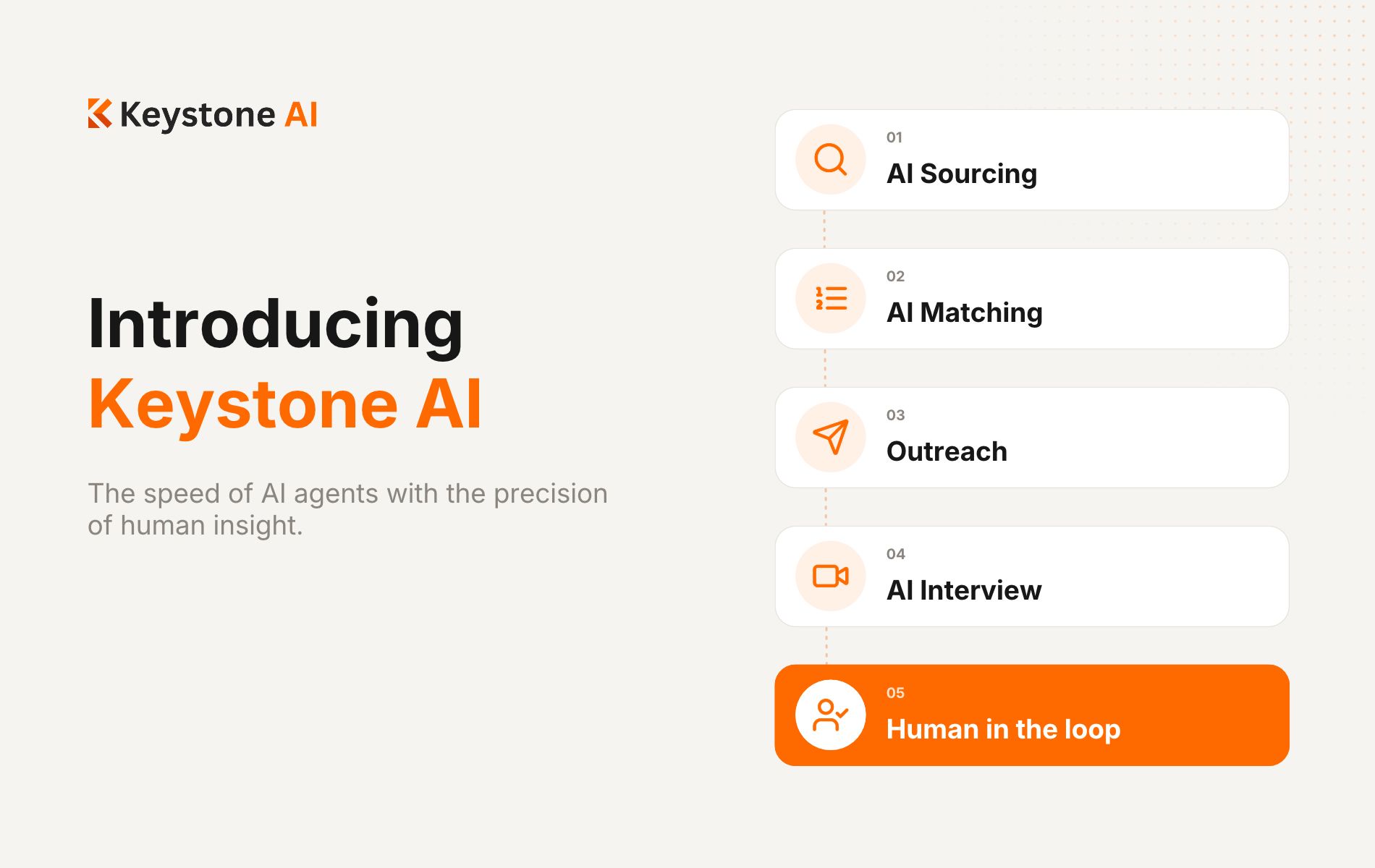
You can also read our Keystone AI introduction.
- Recruiting Software
- Recruitment Automation